

Stripe isn’t connected
When you start with your publication and you do not have a stripe account connected. Only a free tier is natively available for your readers.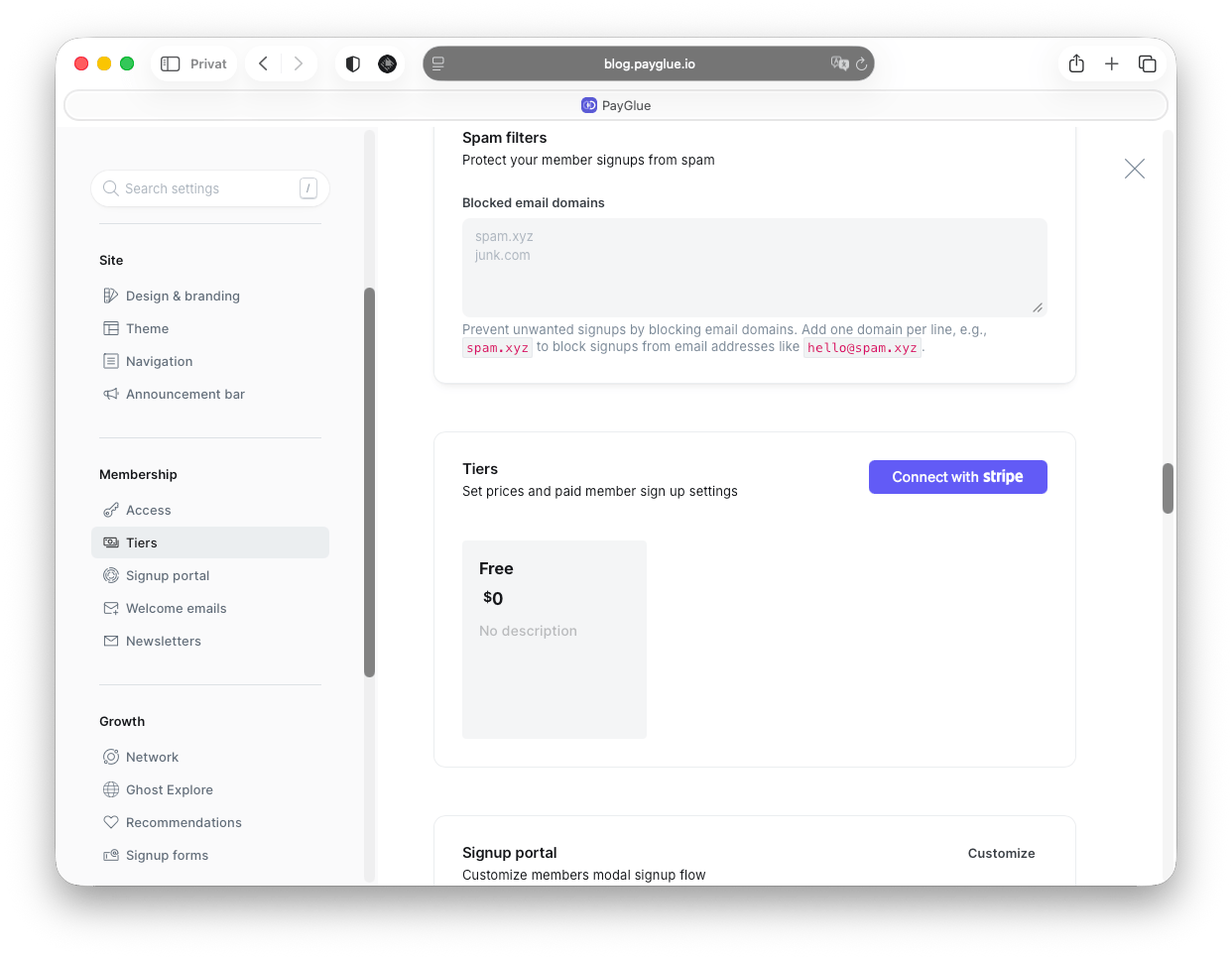
1
Create a remarkable post
In the right side panel, go to Post Access > Members only and you have a native content gate.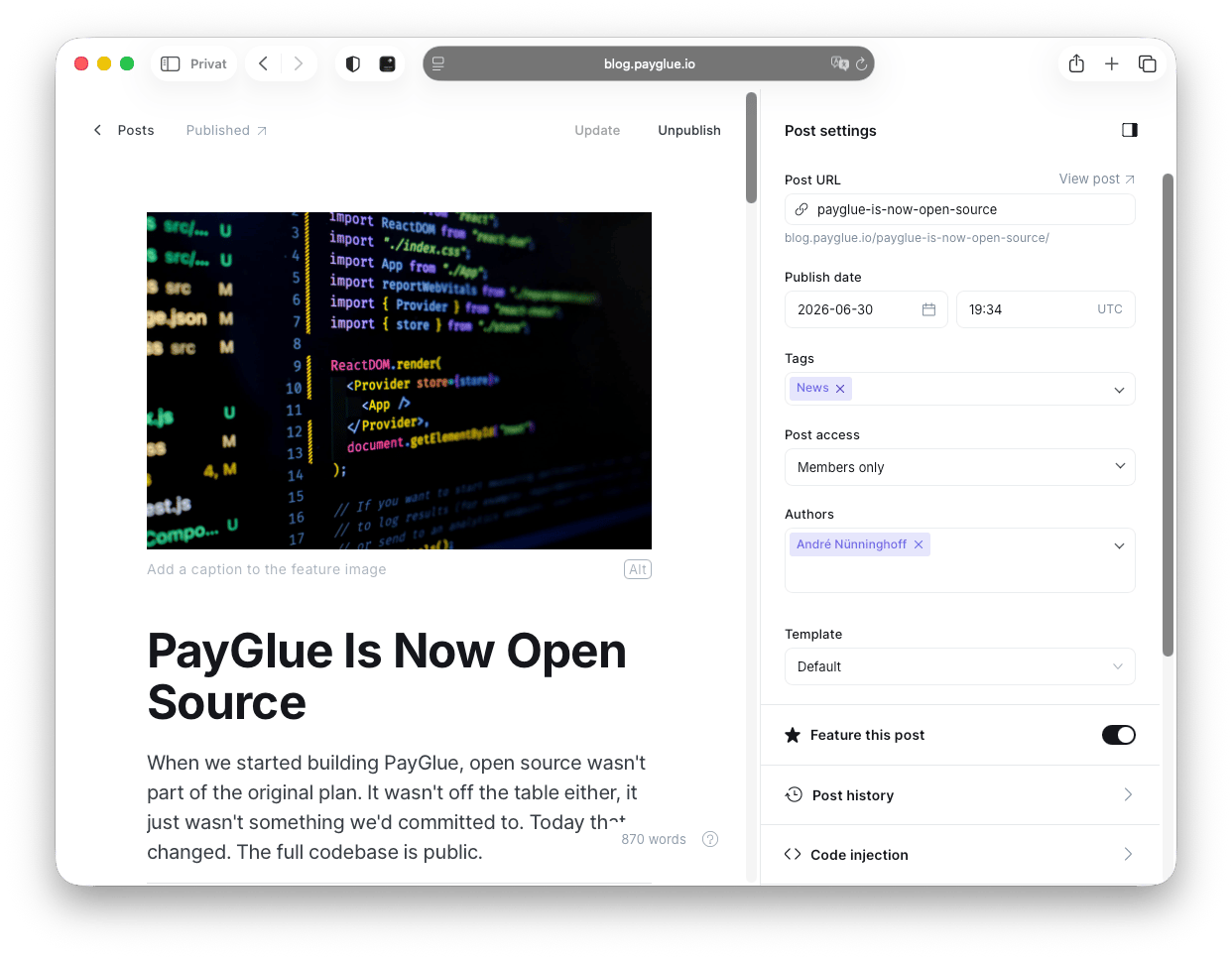
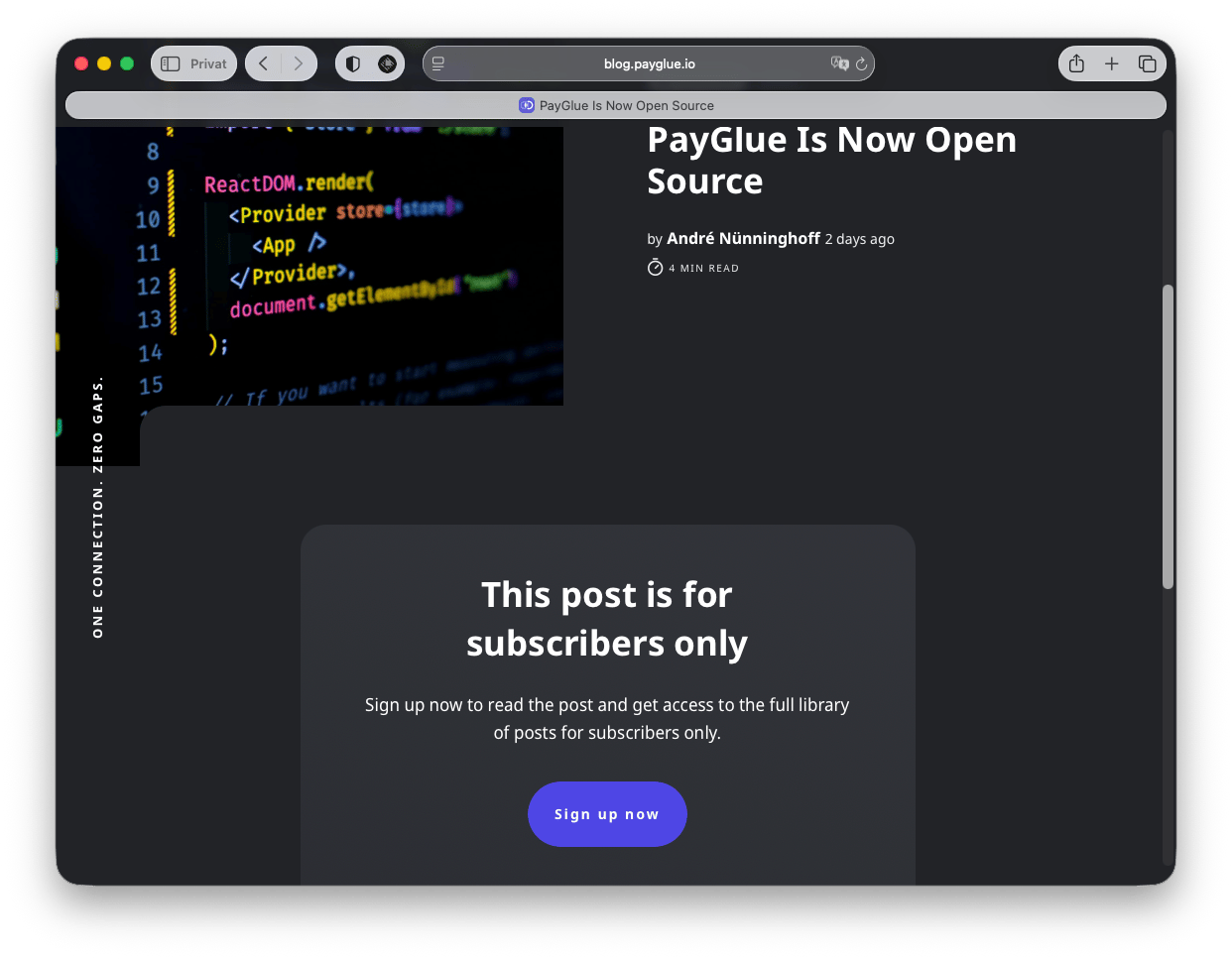
Ghost requires a Stripe account to be connected for its own membership features, like content for paid members. So in this example, we only choose access for members. This is separate from using Stripe as a PayGlue payment provider. See Do I need Stripe?.
Don’t use public access for paid members
Of course you can choose this option in Ghost, but with no tiers available, your potential new members ran into an issue.
No tiers available without a Stripe connection in Ghost.
How PayGlue grants access without Stripe
Ghost will not accept a paid or comped status while no Stripe account is connected, so PayGlue does not try to set one. The buyer is created as a free member carrying apayglue-active label that records what they bought, and the PayGlue paywall script checks that label to decide whether a post opens.
Purchases grant access and cancellations revoke it exactly as they would with Stripe connected. What changes is which piece of software enforces the gate.
The script that does this is the PayGlue header script, installed once under Settings > Code Injection > Site Header in Ghost. It powers the Paywall, Buy Buttons and Pricing Table together. Posts using a PayGlue Paywall must keep Ghost’s own visibility set to Public, otherwise Ghost blocks the visitor before the script runs.
See Do I need Stripe? for both cases side by side.
Stripe is connected
When you start with your publication and you have a stripe account connected. You can add multiple tiers; here’s an example.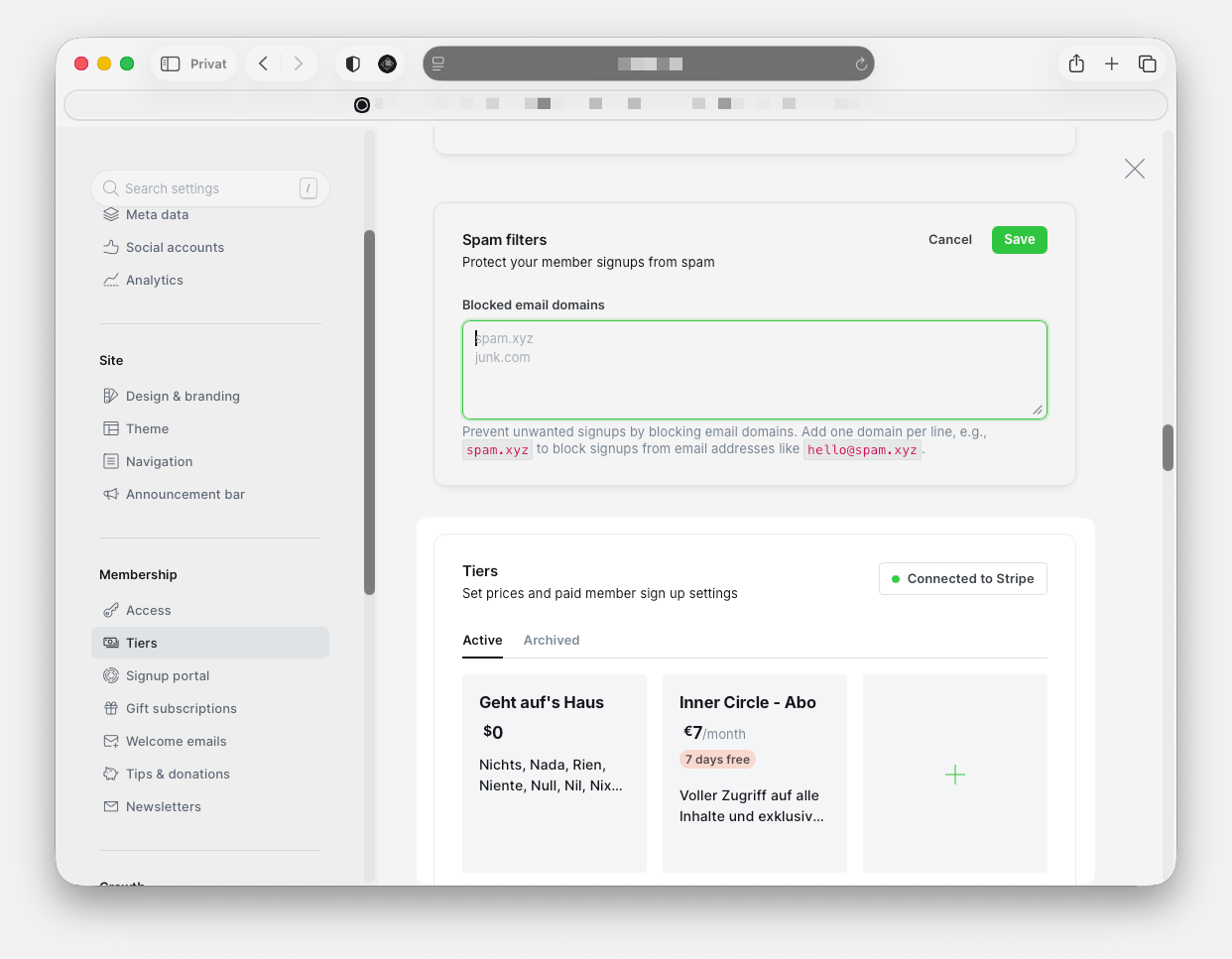
Want to keep stripe alongside PayGlue for more flexibility?
- Connect any Stripe account to Ghost (it does not need to process real payments)
- Connect your actual payment provider to PayGlue
- PayGlue handles the rest
With this setup, you can keep your existing Stripe subscriptions and add, for example, one-time payments, pay-what-you-want, etc., with other providers beyond Stripe.